
|
|
|
New Ace of Spades Forums: http://buildandshoot.com/ |
|
|
 Some ppl get this problem. A more recent version of Ace of Spades is already installed on this computer. The solution is pretty simple. Deinstall->Reinstall Go to your windows control panel now Reinstall the fresh installation... just a hint... install it to a custom path and NOT programmfiles to prevent this config.ini problem with writeacces =) hf Edit: |
#6859 plaYer2k Member Posted 15 years ago |
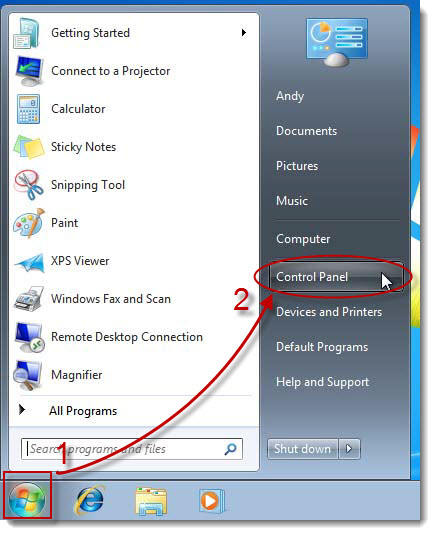
 worked like a charm, thanks! |
#6863 pzl Member Posted 15 years ago |
 Ah, seems so obvious too. I only tried deleting the old versions files. Thanks |
#6867 Mitchel Member Posted 15 years ago |
 I don't have a "programs and features" icon though. *Edit* |
#6869 Stickeys Member Posted 15 years ago |
 Just install the latest hotfix (v0.41). It fixed that issue.
|
#6877 Green_Beret Member Posted 15 years ago |
| RSS feed for this topic |
Reply
You must log in to post.
|
|
|
No tags yet. |
| Ace of Spades Game Forums is proudly powered by bbPress. // Theme by Mike Lothar |